Google Business Profile for Local Business
Learn how to create, claim, and optimize your Google Business Profile to improve local visibility, attract more customers, and rank higher in Google Search and Maps.

Julia
When someone searches for a business like yours on Google right now, three listings appear before anything else. Not ads — actual business profiles. Those spots go to whoever set up their Google Business Profile correctly.
It costs nothing. Setup takes under an hour. And unlike most marketing, it keeps working without ongoing spend.
What Is Google Business Profile
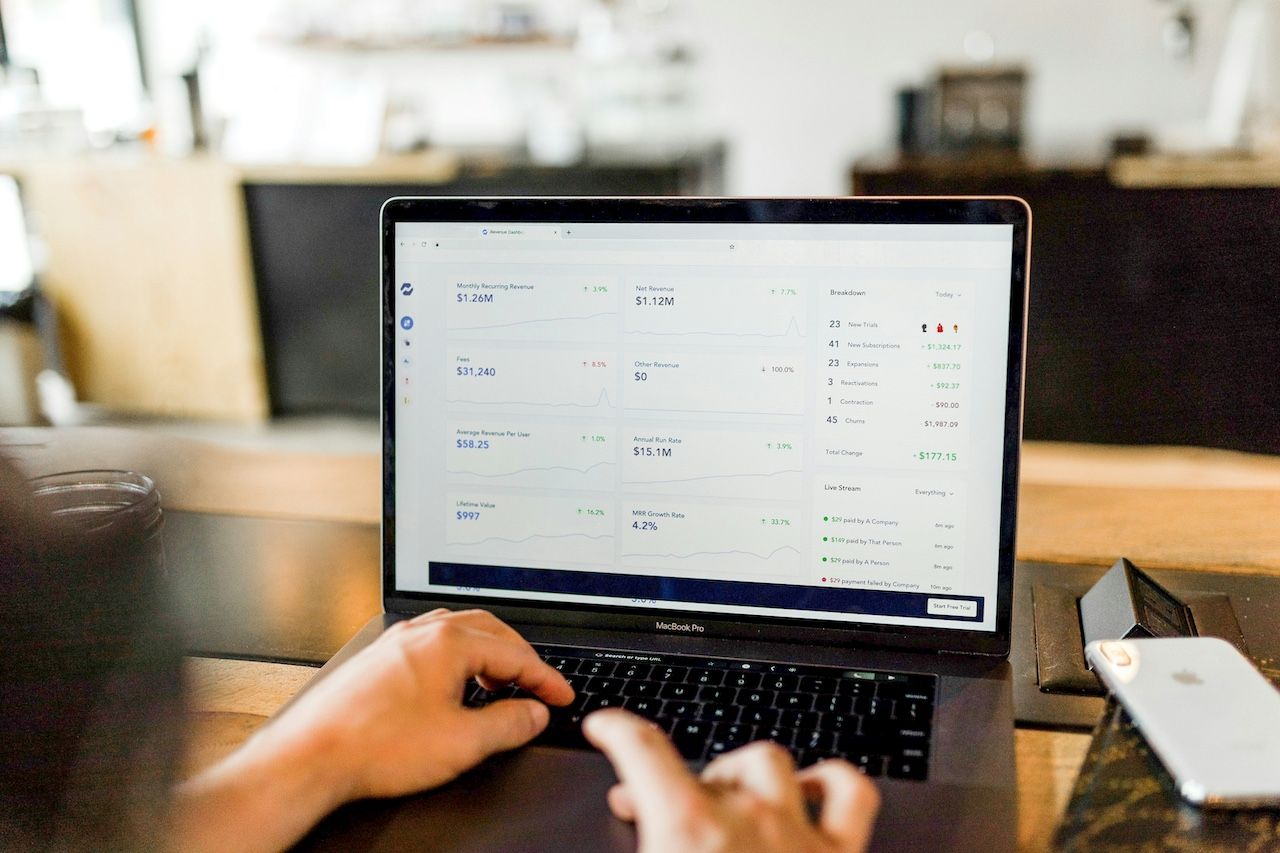
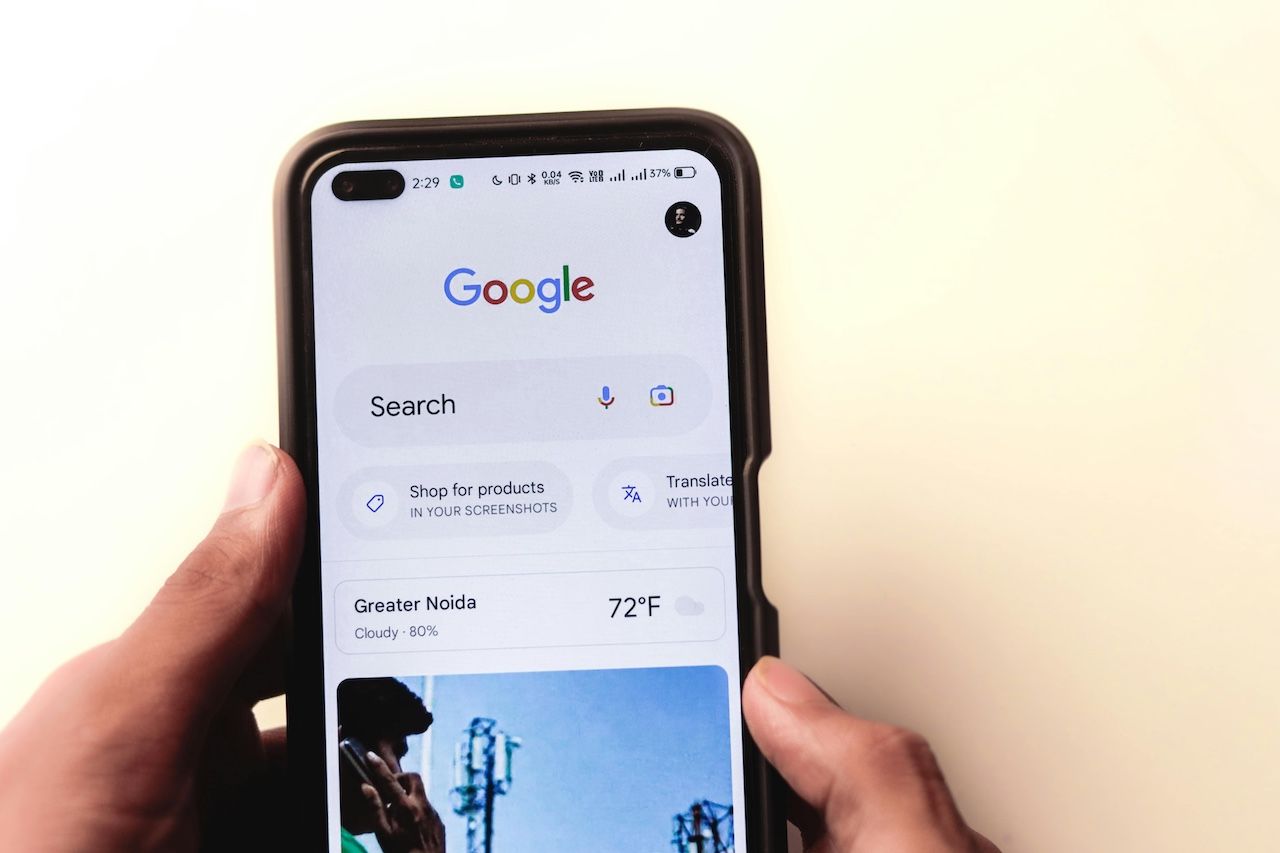
Google Business Profile (GBP) is what people see when they look up your business or something you offer — on Google Search or Maps. It pulls together your key info: name, location, phone, working hours, photos, reviews, and your website link. On a phone, it turns into a quick action panel where someone can call you or get directions instantly. Nothing fancy behind it, just your profile showing up the way it should.
Without it, you’re basically a place with no sign on the street.A google business profile is your digital sign, visible to anyone searching in your area. Businesses with complete profiles get roughly 7x more clicks than those with empty or partial listings.
The google maps business profile side of things matters just as much. When someone opens Maps and zooms into your neighborhood, your pin appears. Your rating, your photos, your hours — all visible before they've visited your site or made a call. That first impression is often the only one you get.
If you're thinking through small business marketing ideas, this is where to start. Not ads. Not social media. This.
How to Claim a Google Business Profile
Before creating anything, search for your business at business.google.com. Google auto-generates listings from public data, so one might already exist for you — complete with wrong hours or an outdated phone number.
If a listing shows up, click it and request ownership. Google notifies the current owner (if there is one). No response within 7 days? Ownership transfers to you.
If no listing exists, you'll be prompted to create one.
Either way, you'll need to verify. Most businesses get a postcard with a 5-digit code sent to their address — takes 5 to 14 days. Some accounts qualify for instant verification by phone or email. Don't skip this step. Unverified profiles don't show up reliably in search results.
How to Create a Google Business Profile
The setup takes about 10 minutes. Here's what you'll fill in:
- Business name — Use your real name exactly. No keyword stuffing ("Joe's Plumbing Best NYC Plumber"). Google can suspend your account for this.
- Category — This is the most important field. "Italian Restaurant" will trigger different searches than "Restaurant." Pick the most specific category that fits. You can add secondary categories later.
- Location — If customers come to you, enter your address. If you go to them (delivery, home services), you can set a service area instead and hide your physical address.
- Phone and website — Double-check these. A wrong digit here means lost calls.
Once submitted, complete verification and your listing goes live on Google Search and Maps.
How to Optimize a Google Business Profile
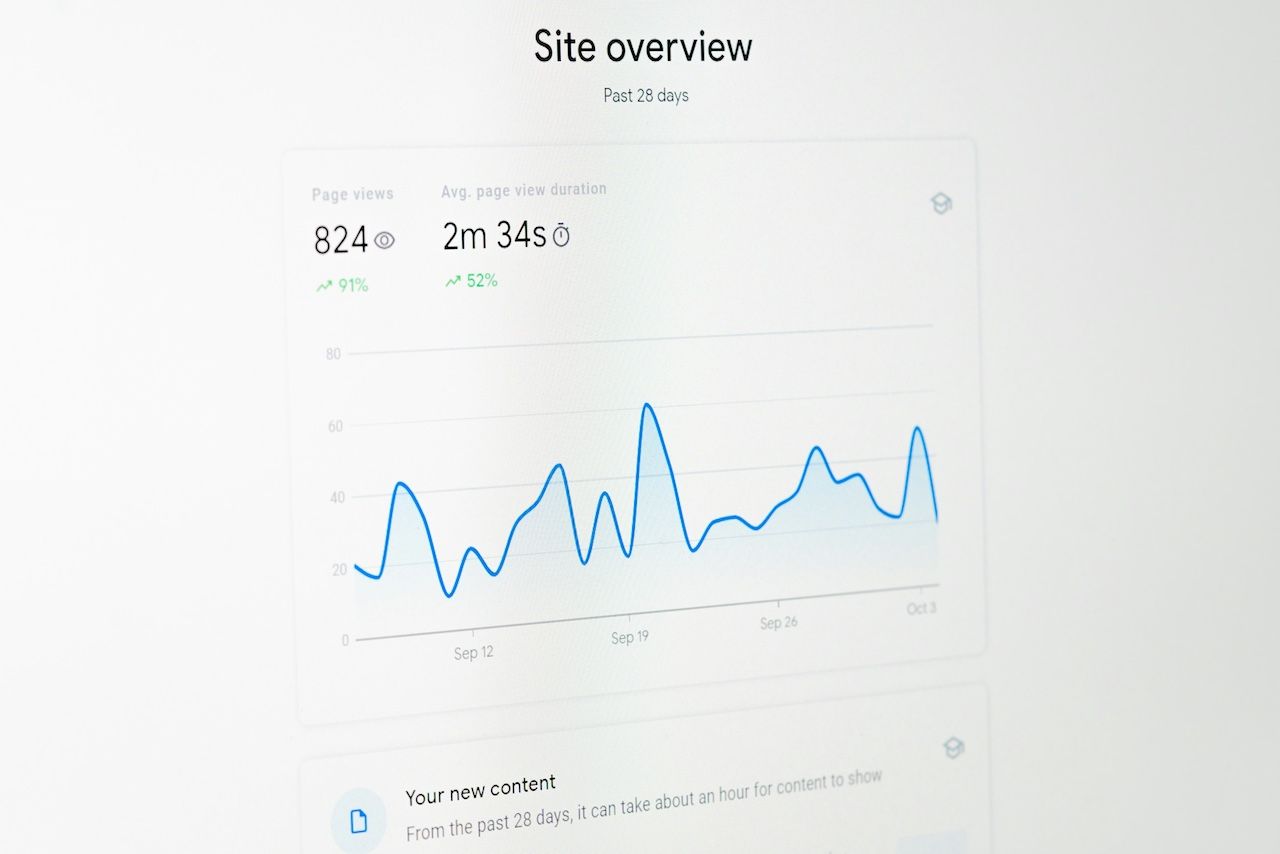
A live profile isn't the same as an effective one. The difference between a listing that generates 50 calls a month and one that generates 5 usually comes down to a few specific things.
Photos. Listings with photos get 42% more requests for directions and 35% more website clicks, according to Google's own data. Upload at least: a logo, a cover image, interior shots, and photos of your product or service. A salon showing clean, well-lit workstations will outperform one showing a blurry exterior every time.
Business description. You get 750 characters. Use them. Explain what you do, who you serve, and what makes you different from the competitor two streets over. This is not a tagline — it's a pitch to someone who's never heard of you.
Hours. Keep them accurate. Set holiday hours in advance. Nothing kills a first impression like showing up to a business Google says is open — and finding it closed.
Add Book Now to Google Business Profile. If you take appointments: a clinic, a studio, a consultant — add a book now to google business profile. It puts a booking button directly on your listing. Customers can schedule without calling or navigating to your website. Fewer steps means more bookings. Connect a supported scheduling tool from within your dashboard and it's live in minutes.
Reviews. Send your best customers a direct link to leave a review. Respond to every review — the good ones and the bad ones. A thoughtful reply to a critical review often does more for your reputation than the five-star ones. Businesses averaging 4.2 stars or higher with 50+ reviews consistently outrank competitors in local results.
Posts. Use the Posts feature like a lightweight social feed. Announce a promotion, share a seasonal offer, highlight a new service. Posts expire after 7 days, so one per week keeps your profile looking active — which Google rewards with better visibility.
Q&A section. Most owners leave this blank. That's a missed opportunity — Google indexes every question and answer, so a well-populated Q&A can pull in searches you weren't targeting. Seed it yourself with questions your customers already ask in person: parking, payment methods, walk-in availability. You control what shows up first.
Keep your information current. This sounds obvious until you realize how many listings still show a phone number that was disconnected two years ago, or hours that changed during COVID and never got updated. Wrong details don't just send customers to voicemail — they can get your profile flagged as unreliable, which affects how Google ranks you. Any time something changes, update your profile that same day.
For tips on building a wider local presence alongside your profile, how to promote your business locally is worth reading once your listing is dialed in.
One more thing: if you ever need to know how to delete google business profile — typically because of a duplicate listing or a location you've closed — head to your profile settings, select "Remove business profile," and follow the steps. When removing a duplicate, always deal with that one first so your main listing stays untouched.
Local visibility isn't optional anymore. Every business idea — from a food truck to a tutoring service — lives or dies by whether customers can find it. Google Business Profile is the simplest, most direct way to make that happen.
The small business marketing challenges most owners face aren't about budget — they're about knowing where to focus. Start here.
Ready to go further? Loca helps local business owners manage customers, collect reviews, and run targeted local campaigns — without the complexity of enterprise tools. Create a free business account on Loca and put your Google visibility to work.